Physical Address
304 North Cardinal St.
Dorchester Center, MA 02124
Physical Address
304 North Cardinal St.
Dorchester Center, MA 02124

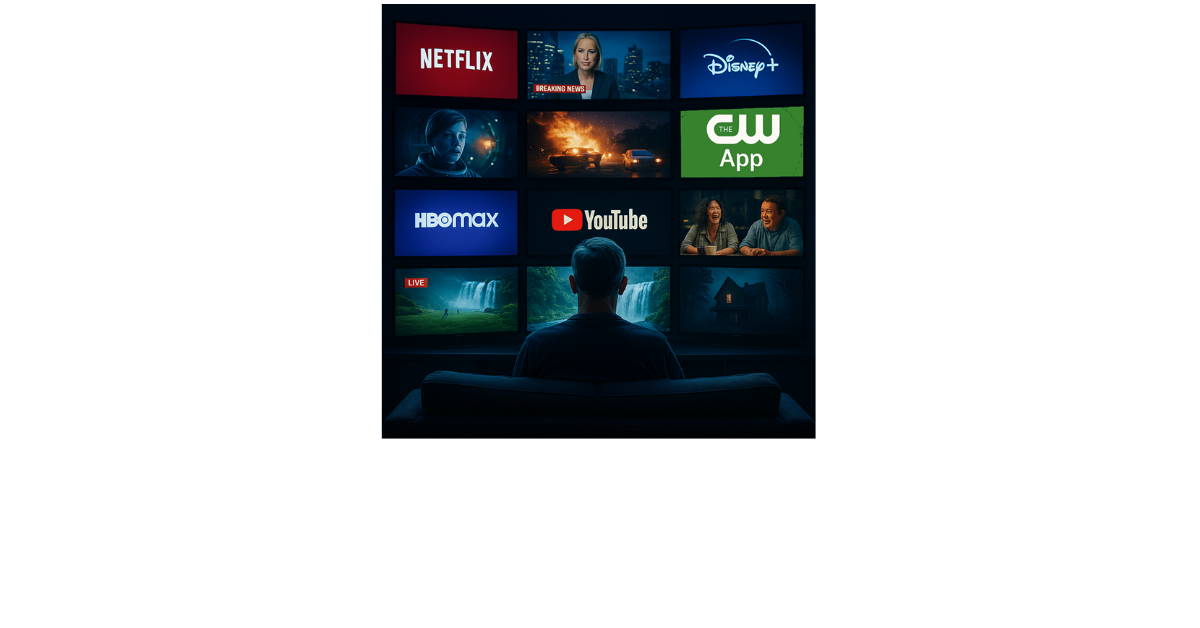
Are you spending too much on streaming? Most people pay around $70 a month just for shows and movies. That doesn’t even count your internet bill. Some folks spend much more. I have one friend that spends over $300 a month for streaming and most of it is for sporting events alone! When you add it all up, it feels like we’re back to the old days of cable TV, except now we don’t even get a DVR to record our favorite shows, depending no you providers deals.
By-the-way, click these links if you would like to hear a 15-minute podcast created by AI or a 4-minute slide presentation both create by AI using Google’s NotebookLM.
Keep in mind that when I researched and wrote this, all of the information was correct. However, the Internet is a fast changing place. So, these sites may or not be here next time you check and may have other requirements or even be not so free in the future.
But here’s the good news: You don’t have to spend all that money to watch great shows and movies. There are many free streaming services you can use right now. These are safe, legal, and full of good stuff to watch. Here’s a closer look at some of the best options available.

CW App (cwtv.com)
The CW App lets you stream shows like ‘All American’ and ‘Walker’ without logging in. You just download the app and start watching. There are ads, but it’s a great way to keep up with CW shows for free.
Hoopla (hoopladigital.com)
Hoopla works with your library card and gives you access to movies, shows, music, comics, and audiobooks. Everything is ad-free and ready to stream instantly. The catch? You can only borrow a limited number of items each month, depending on your library’s budget.
Kanopy (kanopy.com)
Kanopy is available through public libraries and colleges. It features indie films, documentaries, and international titles, all without ads. You do need a library card or college login, and you might have a limited number of views each month.
LocalNow (localnow.com)
LocalNow mixes local news and weather with entertainment. It’s helpful if you want to stay updated on your area while watching something fun. The shows are mostly older, but it’s still worth checking out.
Plex (plex.tv)
Plex started as a media organizer but now also streams free movies, shows, and live TV. If you have your own movie files, Plex keeps them beautifully organized. The streaming library is decent but not always packed with hits. This is one of my favorites.
Pluto TV (pluto.tv)
Pluto TV gives you more than 250 live channels and tons of on-demand content. It has something for everyone, including news, comedy, movies, and even kids’ shows. It’s owned by Paramount, which means you’ll find a lot of well-known content. The only downside is the number of ads, which can sometimes feel repetitive.
The Roku Channel (therokuchannel.roku.com)
You don’t need a Roku device to enjoy this one. It has more than 500 live channels, tons of movies, and even original shows like ‘Weird: The Al Yankovic Story’. It’s very easy to use, though it sometimes promotes features that work better if you own a Roku device.
Tubi (tubitv.com)
Tubi has over 50,000 movies and shows, and it works on almost every device. It’s backed by Fox and features content from big studios like MGM and Lionsgate. The library is huge, but the downside is that most of the titles are older and some come and go.
Xumo Play (play.xumo.com)
Xumo Play gives you over 350 live channels, from news to sports to entertainment. It feels a lot like flipping through cable TV. It’s free, but the ads come often, and the app’s design can feel a bit busy. Another of my favorites.
YouTube (youtube.com)
YouTube isn’t just for short videos—there’s a whole section of free movies and shows. You can find classics, full TV series, and documentaries. It’s easy to use, but the ads can be annoying and the free content changes often, it is free with ads.
Smart TV Channels
Many smart TVs now come with built-in free streaming, like Samsung TV Plus, LG Channels, and Vizio WatchFree+. These services have live channels and are totally free. Just turn on your TV and they’re right there. The only downside is that you need the right brand of TV to use them.

You don’t have to spend a lot of money to enjoy great entertainment. By mixing live channels like Pluto TV or Xumo with on-demand options like Tubi or Hoopla, you can build your own lineup without paying a cent. And don’t forget to check what’s already built into your smart TV—you might already have free TV waiting for you. You can watch some of these on your phone, Smart TV, or computer, experiment and read to see what you can do.
Happy watching!